


You also have the option to add other devices to the call. You will only be able to see one stream at a time.
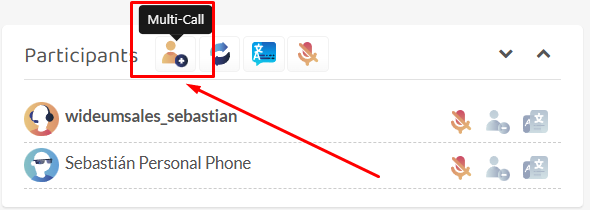
To do so, click on the Multi-call icon.
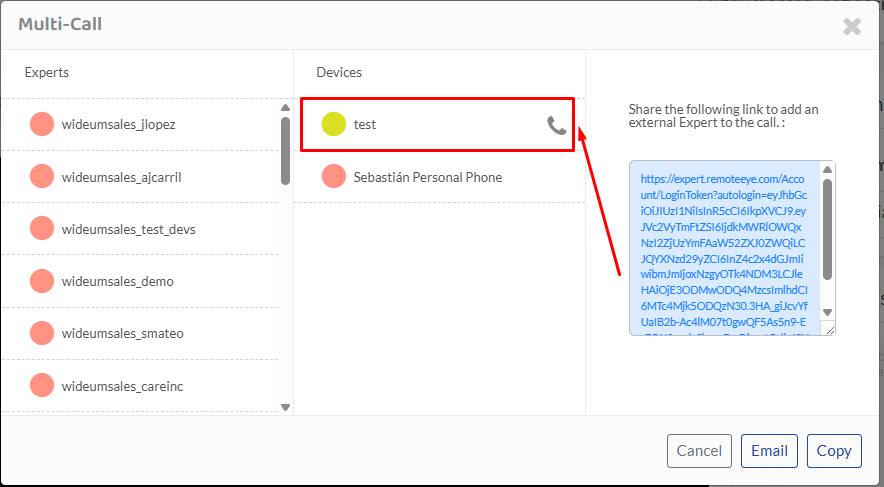
Then on the middle column click on the call icon. The device must be on Remote eye and ready to be called.
You’ll know see the added participant and a new icon showing which stream is being shown at the moment.
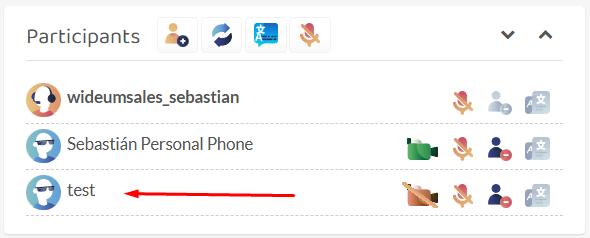
Click on the red camera icon to toggle to that participant’s stream.

Comentarios
Copyright © 2026 Wideum
—
Powered by 
Comparte tu opinión sobre este tema.